
QuillBot AI is an online writing platform offering a suite of AI-powered tools designed to enhance and refine written content. It’s used by students, professionals, and writers to improve clarity, fluency, grammar, and overall writing quality. Here’s everything you need to know about using QuillBot AI:
Key Features and How to Use Them:
- Paraphraser:
- What it does: Rephrases sentences, paragraphs, or entire articles while maintaining the original meaning. It offers various modes to adjust the style and tone of the paraphrased text.
- How to use:
- Go to the QuillBot website or use the browser extension.
- Paste or type your text into the input box. You can also upload a document.
- Choose a paraphrasing mode:
- Fluency: Focuses on making the text sound natural and readable with fewer changes.
- Creative: Rephrases text in a more original and innovative way, potentially altering sentence structure more significantly.
- Formal: Makes the text sound more sophisticated and suitable for academic or professional contexts.
- Simple: Presents the text in an easy-to-understand manner.
- Academic: Rephrases text using more technical and scholarly language.
- Expand: Lengthens the text by adding more detail.
- Shorten: Condenses the text while retaining the core message.
- Humanize (Premium): Rewrites AI-generated text to sound more natural and engaging.
- Custom (Premium): Allows you to provide specific instructions for rephrasing.
- Adjust the Synonym Slider to control how many words are changed. Moving it to the right replaces more words with synonyms for a more creative output, while moving it to the left keeps the rephrased text closer to the original.
- Click the “Paraphrase” button.
- The rephrased text will appear in the output box. You can review, edit, and copy the text. You can also click on individual words to see and select alternative synonyms.
- Grammar Checker:
- What it does: Identifies and corrects grammar, spelling, punctuation, and word misuse errors in your text.
- How to use:
- Go to the QuillBot website or use the browser extension/add-in.
- Paste or type your text into the input box.
- Click the “Grammar Check” button.
- Errors will be highlighted with different colors based on the type of mistake.
- Click on the highlighted words or phrases to see suggestions and explanations.
- You can either click on a suggestion to apply the correction or ignore it.
- Premium users often have access to more advanced grammar recommendations and a “Fix All Errors” button.
- Summarizer:
- What it does: Condenses lengthy text, articles, or documents into key points. You can choose the summary length.
- How to use:
- Go to the QuillBot website.
- Paste or type your text into the input box, or upload a document.
- Choose the summary length by adjusting the slider between “Short” and “Long” or by specifying the number of sentences or paragraphs.
- Click the “Summarize” button.
- The summarized text will appear in the output box.
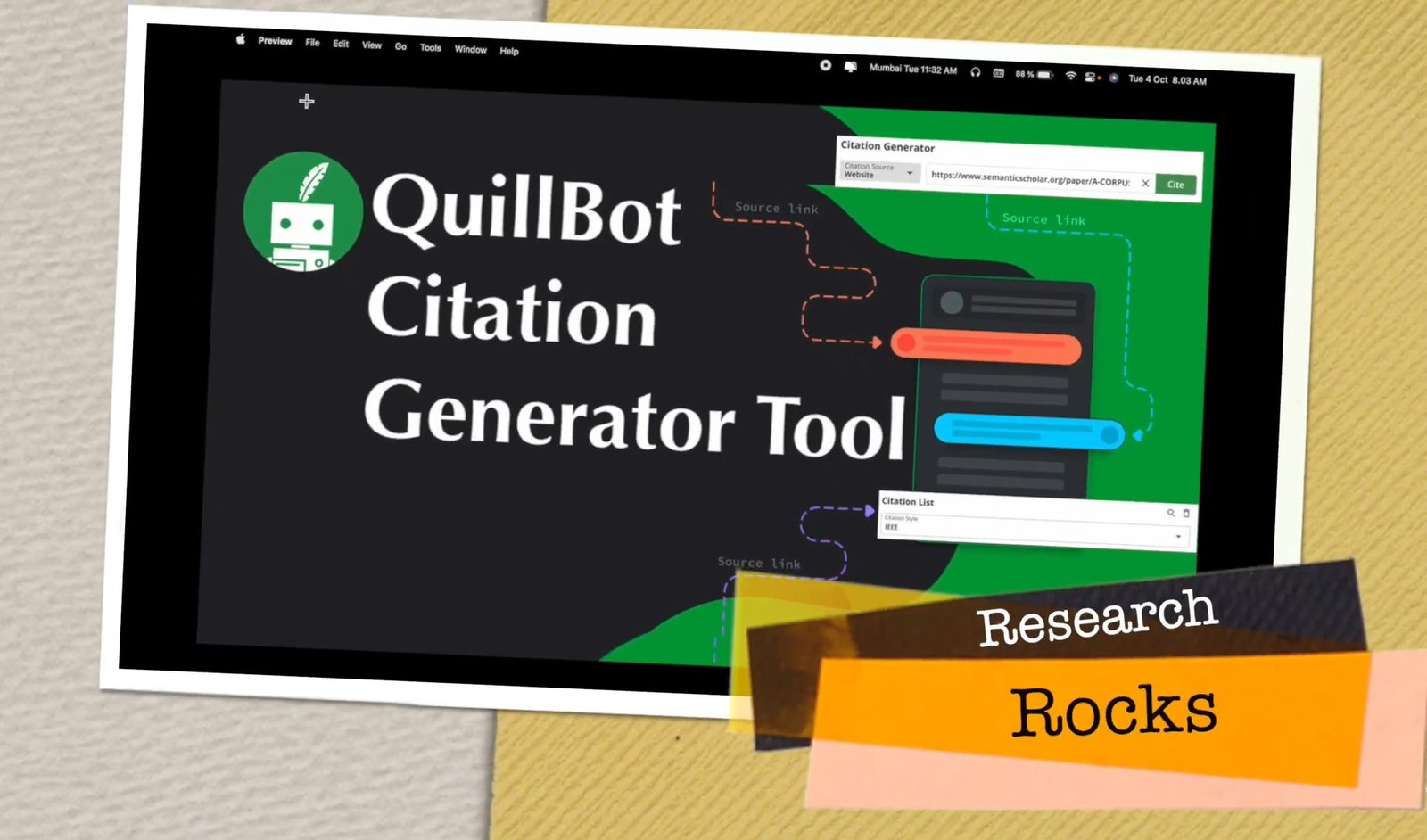
- Citation Generator:
- What it does: Helps you create accurate citations in various styles, including APA, MLA, and Chicago.
- How to use:
- Go to the QuillBot website and select the “Citation Generator” tool.
- Choose the citation style you need (e.g., APA, MLA).
- Select the source type (e.g., website, book, journal article).
- Fill in the required information fields (e.g., author, title, publication date, URL).
- Click “Cite Source.”
- QuillBot will generate the citation in your chosen style, which you can then copy and paste into your document. It can generate both in-text and full citations/references.
- Plagiarism Checker (Premium):
- What it does: Scans your text against billions of online sources to identify any instances of unintentional plagiarism.
- How to use:
- Go to the QuillBot website and select the “Plagiarism Checker” tool.
- Paste or upload your text.
- Click the “Check Plagiarism” button.
- The tool will highlight any text that matches other sources and provide a plagiarism score.
- AI Detector:
- What it does: Analyzes text to identify sections that may have been generated by AI.
- How to use:
- Go to the QuillBot website and select the “AI Detector” tool.
- Paste or upload your text.
- Click the “Check AI.”
- The tool will provide a report indicating the likelihood of different parts of the text being AI-generated or human-written.
- Translator:
- What it does: Translates text between multiple languages (40+ supported).
- How to use:
- Go to the QuillBot website and select the “Translate” tool.
- Choose the source language (you can also set it to “Detect Language”).
- Select the target language from the dropdown menu.
- Enter or paste the text you want to translate into the left box.
- Click the “Translate” button.
- The translated text will appear in the right box.
- QuillBot Flow (Word Processor):
- What it does: An all-in-one writing space that integrates all of QuillBot’s tools. It allows you to write, paraphrase, summarize, and create citations without switching tabs. It also includes a research function and an AI write assist feature to suggest the next sentence.
- How to use:
- Navigate to the “QuillBot Flow” section on the website.
- You can start writing directly in the editor.
- Use the buttons and options within the interface to access the paraphraser, summarizer, citation generator, and other tools as you write.
- The “Suggest Text” button can help generate the next sentence based on your previous writing.
- You can also import existing documents.
Integrations:
- Chrome Extension: Allows you to use QuillBot’s paraphraser and grammar checker directly on various websites, including email platforms and social media.
- Microsoft Word Add-in: Integrates QuillBot’s features directly into Microsoft Word for offline use.
- Google Docs Add-on: Provides access to QuillBot’s tools within Google Docs.
- macOS Desktop App: A dedicated application for Mac users.
- iOS App: Offers paraphrasing on the go with an AI keyboard.
Pricing:
QuillBot offers both free and premium plans.
- Free Plan:
- Limited to 125 words in the Paraphraser.
- Offers “Standard” and “Fluency” paraphrasing modes.
- Limited use of the Synonym Slider.
- 1 Freeze Word option.
- Summarizer limited to 1200 words.
- Basic error correction in the Grammar Checker.
- Access to the AI Detector and Citation Generator.
- Premium Plan (Subscription-based): Offers more features and higher usage limits. Pricing as of April 2025 is:
- Monthly: $19.95 USD per month.
- Quarterly: $13.31 USD per month (billed as $39.95 every 3 months).
- Annual: $8.33 USD per month (billed as $99.95 every 12 months).
- Premium features include: Unlimited words in the Paraphraser, all paraphrasing modes, full use of the Synonym Slider, unlimited Freeze Words, Summarizer with a 6000-word limit, Plagiarism Checker (up to 25,000 words per month), faster processing speed, premium grammar suggestions, tone insights, compare modes feature, and paraphraser history.
- QuillBot often offers a 3-day money-back guarantee for the Premium plan.
- Teams Plan: Available for groups with a minimum of 5 users, offering tiered pricing per user per month.
Tips for Using QuillBot Effectively:
- Understand the Modes: Experiment with different paraphrasing modes to achieve the desired style and tone for your writing.
- Use the Synonym Slider Carefully: Adjust the slider to find the right balance between rephrasing and maintaining the original meaning.
- Review and Edit: Always review the output from QuillBot’s tools to ensure accuracy and that the rephrased text conveys your intended message effectively. AI is a helpful tool but not a replacement for careful human review.
- Combine Tools: Use QuillBot’s various tools in conjunction to improve different aspects of your writing (e.g., paraphrase and then check grammar).
- Utilize Integrations: Install the browser extension or add-ins for seamless integration with your favorite writing platforms.
- Be Mindful of Plagiarism: While the paraphraser helps rewrite text, always ensure you are properly citing sources, especially in academic writing. The Plagiarism Checker (Premium) can assist with this.
- Check AI Detection Results: If you need to ensure your writing doesn’t sound AI-generated, use the AI Detector as a guide, but remember it’s not always 100% accurate. The “Humanize” mode in the paraphraser (Premium) can help make AI-generated text sound more natural.
By understanding these features and how to use them, you can leverage QuillBot AI to enhance your writing process and produce clearer, more effective, and error-free content.