
Generating unlimited videos from images using free AI tools in 2025 can be a bit tricky, as most high-quality AI video generation tools come with certain limitations, especially on their free tiers. However, by strategically using a combination of different free tools and taking advantage of their free credits or trials, you can maximize your output.
Here’s a breakdown of how you can approach this:
1. Image Generation (If Needed):
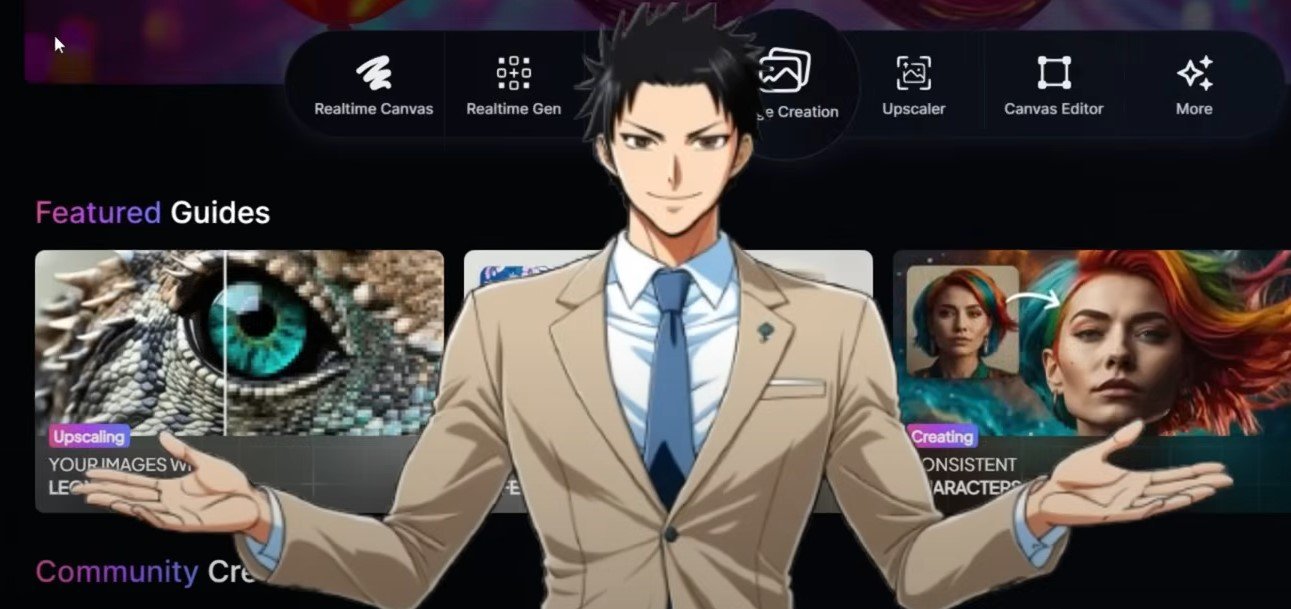
- Leonardo AI: This platform often provides free credits upon signup, allowing you to generate a significant number of images. They also have options for different styles and control over the generation process. Keep an eye on their free tier limitations, as they might have daily or monthly credit caps.
- Google’s Imagen 3 (via Gemini or ImageFX): Google offers its impressive Imagen 3 model for free through its Gemini chatbot and the standalone ImageFX tool. You can generate a good number of high-quality images here, although there might be some usage restrictions.
- Canva AI Image Generator: Canva’s free plan provides a limited number of AI image generation credits. If you’re already using Canva for other design purposes, this can be a convenient option for generating some of your images.
- Stable Assistant (Stability AI): Based on the open-source Stable Diffusion, Stable Assistant offers a chat-style interface for image generation. Their free plan might have credit limitations, so check their current offerings.
- Recraft: This tool provides a certain number of free daily credits for image generation, which can be useful for consistent, albeit limited, image creation.
Tip: Explore the free tiers of multiple AI image generators to accumulate a larger pool of free image credits.
2. Image-to-Video Generation:
The key challenge lies in finding unlimited free video generation. Most free AI image-to-video tools will have limitations like video length, resolution, watermarks, or the number of videos you can create per month. Here’s how to work around these limitations:
- Invideo AI: Invideo AI offers a free plan that allows you to convert images to video by providing a text prompt. While the free plan might have watermarks and some limitations, it’s a good starting point. You can potentially create multiple videos, albeit with these restrictions.
- Pictory: Pictory’s free trial allows you to generate a few videos from your images. While not unlimited, it gives you a chance to create some videos without immediate cost.
- Luma AI (Dream Machine & Ray2): Luma AI’s platform allows you to transform static images into dynamic videos. Their free plan might have limitations on the number or length of videos, so check their current free tier details.
- RunwayML: Runway offers a free tier with a certain number of “credits” that can be used for various AI features, including image-to-video generation. Keep an eye on how quickly these credits are consumed.
- Vidu AI: Vidu AI boasts an “Unlimited Free Generation” in “Non-Peak Mode.” This could be a significant option for generating numerous videos without cost, although the video quality or processing speed might be different during non-peak hours.
- Getimg.ai: Getimg.ai provides an “Image to Video” tool with different AI models. Their free tier might have limitations, but it’s worth exploring for free video generation capabilities.
- Cutout.Pro: Cutout.Pro offers an AI Image to Video generator. Their free plan likely has restrictions on the number or length of videos.
Strategies for “Unlimited” Generation (with Caveats):
- Combine Multiple Free Tools: Use the free credits or trials of several different AI image-to-video tools. Once you exhaust the free resources of one, move on to another. This requires more effort but can extend your free video generation capabilities.
- Focus on Short-Form Content: Many free tools allow for shorter video generation. Creating a series of shorter videos from your images might be a way to generate a larger volume of content.
- Utilize Free Trials Strategically: Many AI tools offer free trials with more generous limits. Use these trials to generate a batch of videos and then switch to another tool’s trial. Remember to cancel before the trial ends if you don’t want to pay.
- Look for Emerging Free Tools: The AI landscape is constantly evolving. Keep an eye out for new free AI image-to-video tools that might emerge in 2025.
- Consider Open-Source Options (More Technical): While not as user-friendly, some open-source AI projects might offer image-to-video capabilities that you can run locally without strict limitations. However, this usually requires technical expertise and significant computing resources.
Important Considerations:
- Watermarks: Free versions often come with watermarks. You might need to accept these or explore methods (which can be unreliable or against terms of service) to remove them. Some tools, like Media.io (mentioned in search results), offer watermark removal, but their free usage might also be limited.
- Video Length and Resolution: Free plans typically restrict the length and resolution of the generated videos.
- Processing Time: Free video generation might take longer due to shared resources.
- Terms of Service: Always review the terms of service of any free tool to understand its limitations and usage policies.
In conclusion, while truly “unlimited” high-quality image-to-video generation with completely free AI tools in 2025 might be unrealistic, you can achieve a significant volume of video creation by strategically utilizing the free tiers and trials of various AI platforms and being mindful of their limitations. Keep exploring new tools as they emerge to maximize your free output.